The Master unsubscribe page can be found in the Contacts Management section.
NOTE: It is highly recommended you read the "New UI Basic Functions Overview" article first, as it provides an overview of all Pinpointe audience types and how the various pages and sections are accessed and structured.
There are several ways to access the Master unsubscribe page in the Contacts Management section.
- Select the "Manage Unsubscribe" option under the main "Contacts" menu. This will take you directly to the Master unsubscribe page.

- Select the "Master Database(e)", "Manage Lists", "Manage Segments", or "Search" options under the main "Contacts" menu. This will take you directly to the respective page, where you can then select "Master unsubscribe". Ex: Selecting "Manage Segments":

The Master unsubscribe page displays all contacts in the account that are currently master unsubscribed.
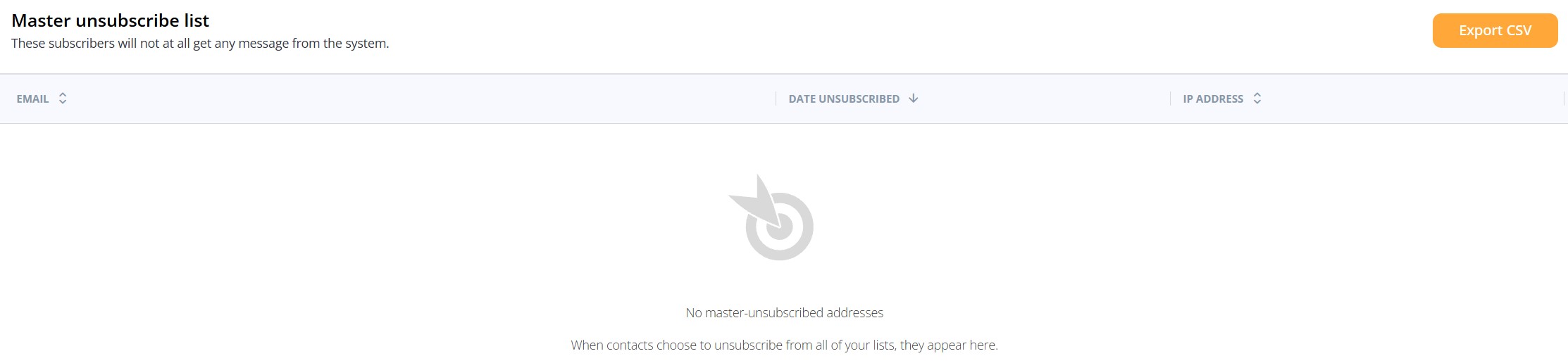
In the far upper right of the page is the "Export CSV" button. Clicking this button will generate a CSV file with the unsubscribed contacts, and export it to your local system.
Additional columns on the Master unsubscribe page are:
- EMAIL - the email address of the master unsubscribed contact
- DATE UNSUBSCRIBED - displays the timestamp of when the contact was master unsubscribed
- IP ADDRESS - the IP address from where the master unsubscribed event was initiated